
ThingWorx Navigate: Connect your PLM data in real time with IIoT
Connect assets, collect real-time data, and automate processes with PTC ThingWorx. The ideal IoT platform to accelerate your industry’s digital transformation.
Quickly create custom, job-specific apps that include reusable components and can use ‘live’ content from Windchill and other IT systems without the need for data replication.
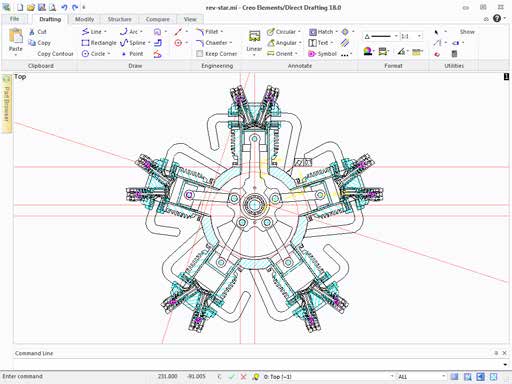
Flexible for Unexpected and Radical Changes
Companies that develop unique product designs (e.g., one-of-a-kind, new-to-market, or custom-to-order products) face rapidly changing requirements throughout the design cycle. Creo Elements/Direct Modeling allows you to make unexpected changes faster and more often. You can also make these changes later in the design process.
Easier Approach to Learning and Using 3D CAD
A direct approach is considered by professionals to be the easiest 3D CAD method to learn and use because you interact directly and intuitively with the model’s geometry.
Why Choose ThingWorx Navigate?
Easy Deployment: Being a web-based application, it can be easily installed and updated.
Multi-Format Information: Experience product information in various formats—whether on screen or in augmented reality.
Broad Data Access: Beyond PLM data, it provides a whole range of information from other sources, such as requirements, analysis results, drawings, and 3D models.
Flexible Options: Flexible deployment options include PTC Cloud or on-premises (on-site).
Simplified Onboarding: Thanks to the simplified user interface, users can get to work quickly, with little to no training.
Non-Expert Access: Provide non-experts with simplified access to PLM content and workflows.
Key Product Features: personalized, task- and role-based PLM apps
View and compare drawings to quickly and easily identify differences.
Provide saved standard searches based on role configurations.
View and download document attachments/secondary content.
View 3D models, including playback controls to display animations and sequences, cross-selection features using attributes, and local language support.
Expand participation in digital change management workflows.
Equipar as partes interessadas ao longo do segmento digital com dados relevantes de projeto e engenharia.

Provide easy access to product data
Enable collaboration across the entire digital thread. Provide non-expert users with simplified access to PLM content and workflows through an easy-to-use interface that requires little to no training. Users can experience product information in various formats—whether on a screen or in augmented reality.

Democratize data
Provide what is needed for common PLM tasks, customizable by role. Out-of-the-box applications are organized based on the functionality they provide: viewing PLM information, actively participating in PLM processes, and custom applications with UI components
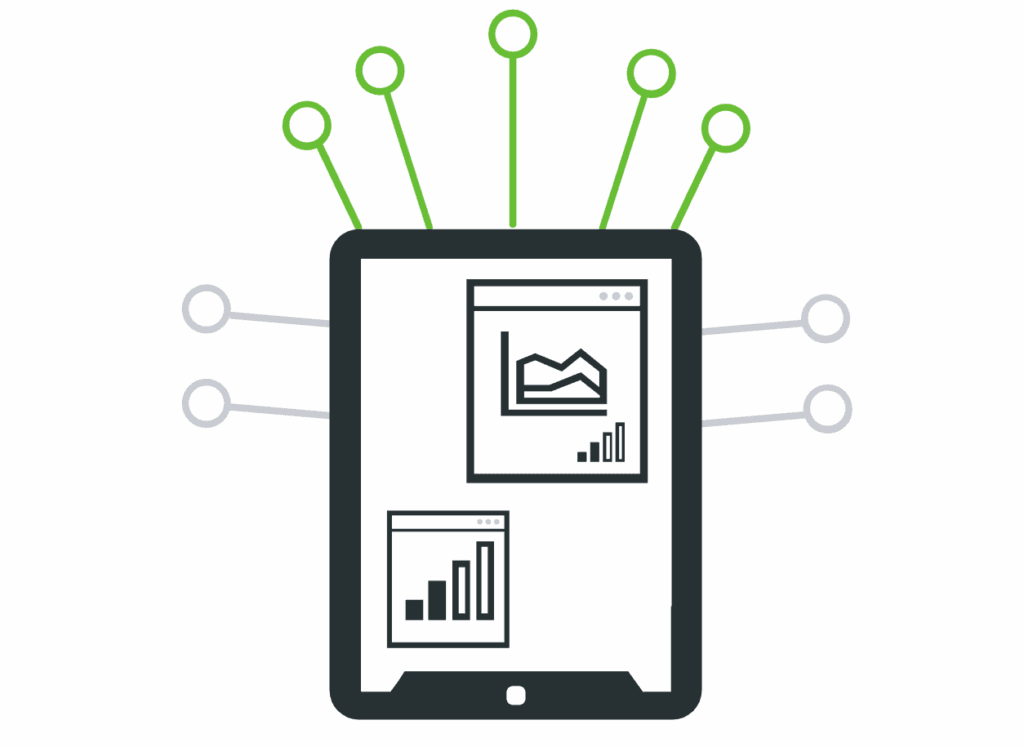
Connect to other enterprise systems
Because ThingWorx Navigate easily connects to other enterprise systems, such as ERP, you can provide a variety of information from non-PLM sources—including requirements, analytical results, drawings, 3D models, display cost, inventory information, and more—without replicating the data.
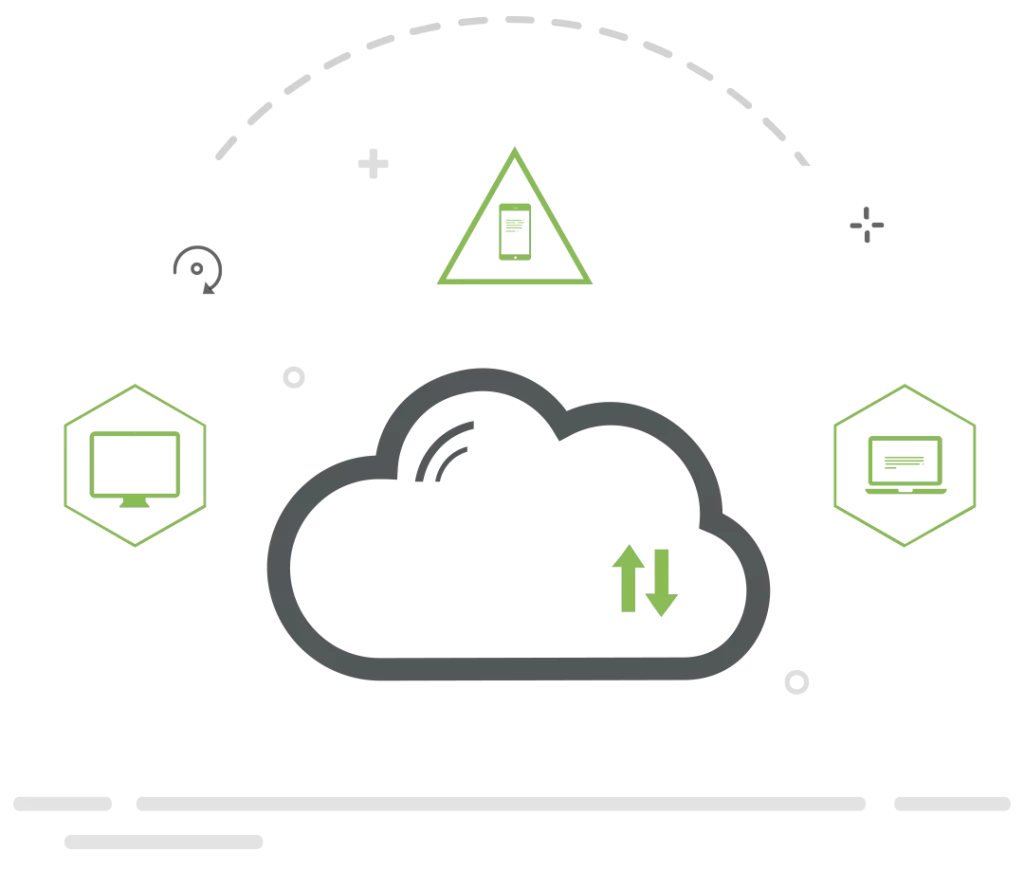
Choose from flexible deployment options
Deploy on-premises or in the cloud. SaaS (Software as a Service) is also an option. With SaaS, you can share consistent data and insights across disciplines, divisions, and external partners with secure, pre-configured instances ready to kick-start collaboration needs.
Talk to a specialist
Discover how OMC GROUP transforms manufacturing through advanced automation, intelligent systems, and lean strategies. From process design to real-world robotics integration, we deliver scalable and efficient solutions tailored to your industrial needs. Talk to our specialists or schedule a meeting today — your next step toward smart manufacturing starts here.